Data Room Embeds: Video, HTML & Links Explained


Artem Axelrod
Co-Founder @ Pageform | AI-native narrative data rooms for fundraising & deals

Embeds in your data room: how to make a room that shows, not just stores
Most data rooms are a list of files and folders. You send a link, the other side downloads a stack of PDFs, and your carefully built story flattens into a folder. Embeds fix that. Inside a Pageform room you can drop a video that plays where you explain it, an interactive HTML page that renders as a live artifact in the section, and an external link that points a reader to a resource that lives elsewhere. The data room stops being a static attachment and becomes part of the narrative. This guide is for founders raising a round and fund managers raising from LPs, the people whose whole deal depends on an investor understanding the story, not just receiving the files. It covers what each embed does, when to use it, and how to build a room that carries the explanation instead of leaving the investor to guess.
Why embeds beat attachments in a raise
A file is passive. It sits in a folder, waits to be opened, and tells the investor nothing about why it matters or what to look at first. In a raise, that gap is expensive. A partner opens your room, sees eleven files, and has to reconstruct the thesis on their own before they can bring anything to their Monday meeting. Half the time they surface the wrong thing, and your best proof point never gets seen.
An embed carries context with the content. When a two minute product demo plays right under a paragraph that says what the investor should notice, they get the point without a call. When an interactive metrics page renders inline as an artifact, an LP can move the assumptions and see the outcome instead of reading a static table. When a link sits next to the sentence that explains it, the reader clicks with intent rather than curiosity.
This is the difference between a room built to guide an investor and a folder built to hold files. Pageform is designed around that first idea, and embeds are how you build it. A room that shows and explains moves faster than one that stores and waits, because every question you answer inside the room is a question that never becomes an email, a follow-up call, or a week of silence.
The three embed types, and when to use each
Pageform gives you three ways to bring live or rich content into a section. They solve different problems, and the skill is matching the type to the job.
Video embeds that play in the room
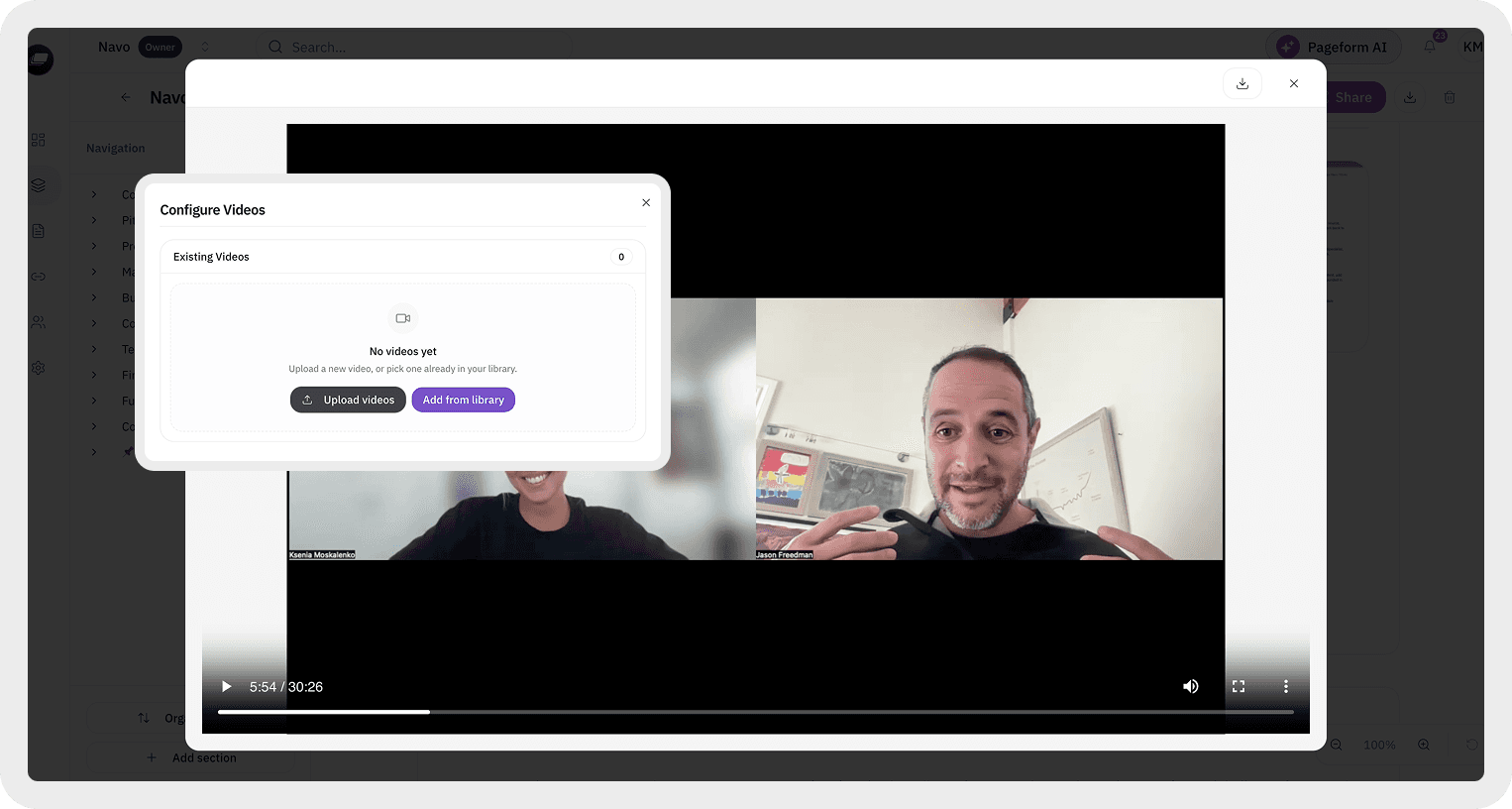
Pageform now has a native video player, so video plays inside the section instead of bouncing the reader to another tab. That matters more than it sounds. Every time an investor leaves your room to watch something, you lose the thread and the engagement signal, and you risk them not coming back.
Use video where a person explains better than a page. A founder's ninety second product demo. A managing partner's intro to the fund thesis. A portfolio founder or customer telling their own story. A recorded walkthrough of a complex product or model that would take three pages to write. Keep them short and place each one next to the text that frames it, so the reader knows what they are about to watch and why. A video with no setup is just noise. A video with one sentence of context is a moment of clarity, and for a fund manager it is a way to put your voice in front of an LP who has never met you. You can add any video in two clicks inside your Pageform data room.
HTML files that render as live artifacts
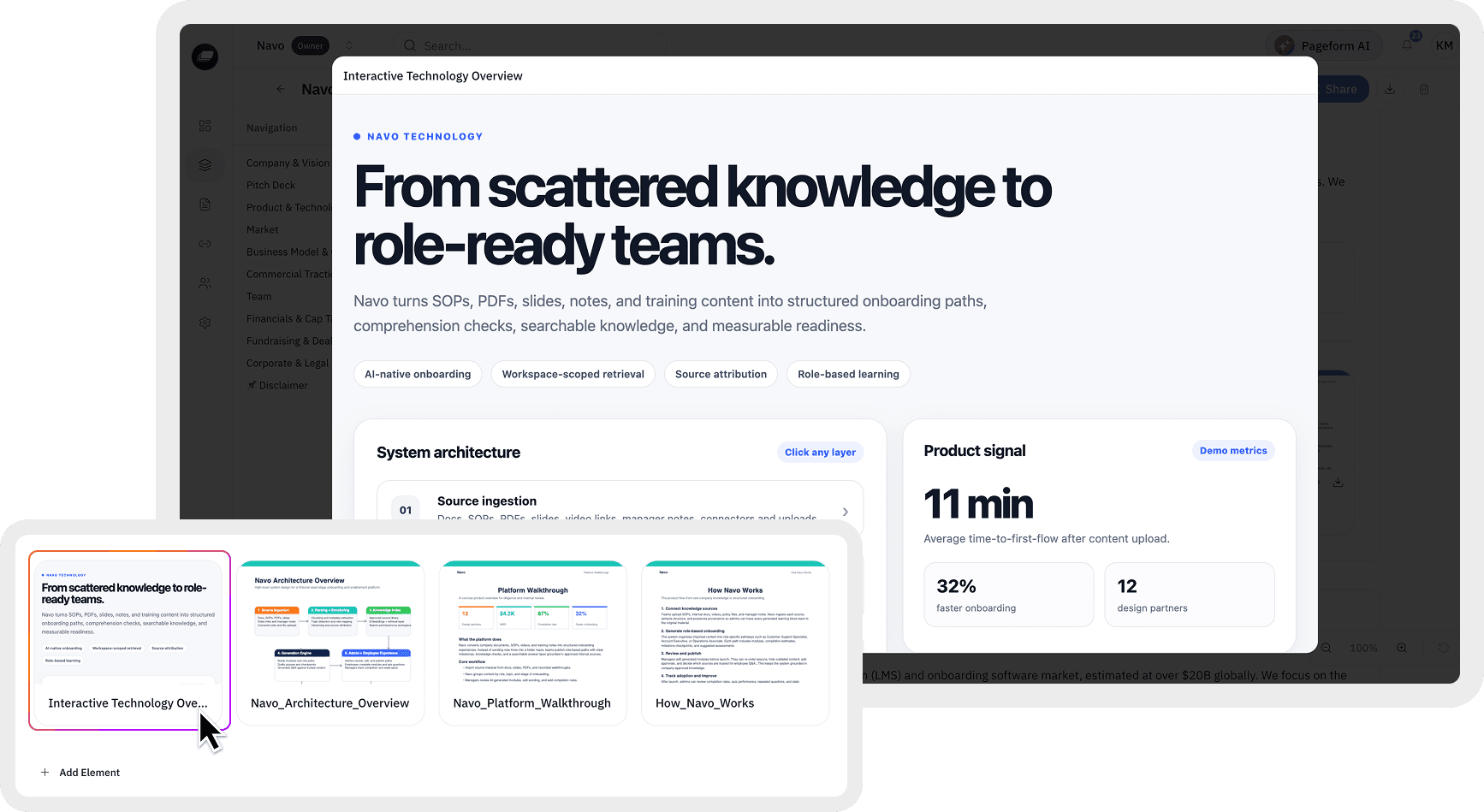
You can upload an HTML file and Pageform renders it as an artifact inside the room. This is the most underused embed and often the most impressive. Instead of a flat exhibit, you get something the investor can interact with.
Think about what becomes possible. A returns or dilution model an LP can run with their own assumptions. An interactive metrics one-pager that expands as the reader scrolls. A live cohort chart or a small fund performance dashboard built as a self-contained page. A product tour that responds to clicks. For a founder, an interactive artifact turns a passive read into a hands-on moment, and hands-on moments are what a partner remembers and repeats to the rest of the committee. Build the HTML as a single self-contained file so it renders cleanly, and put a short caption above it telling the reader what to try.
External link embeds that point outward
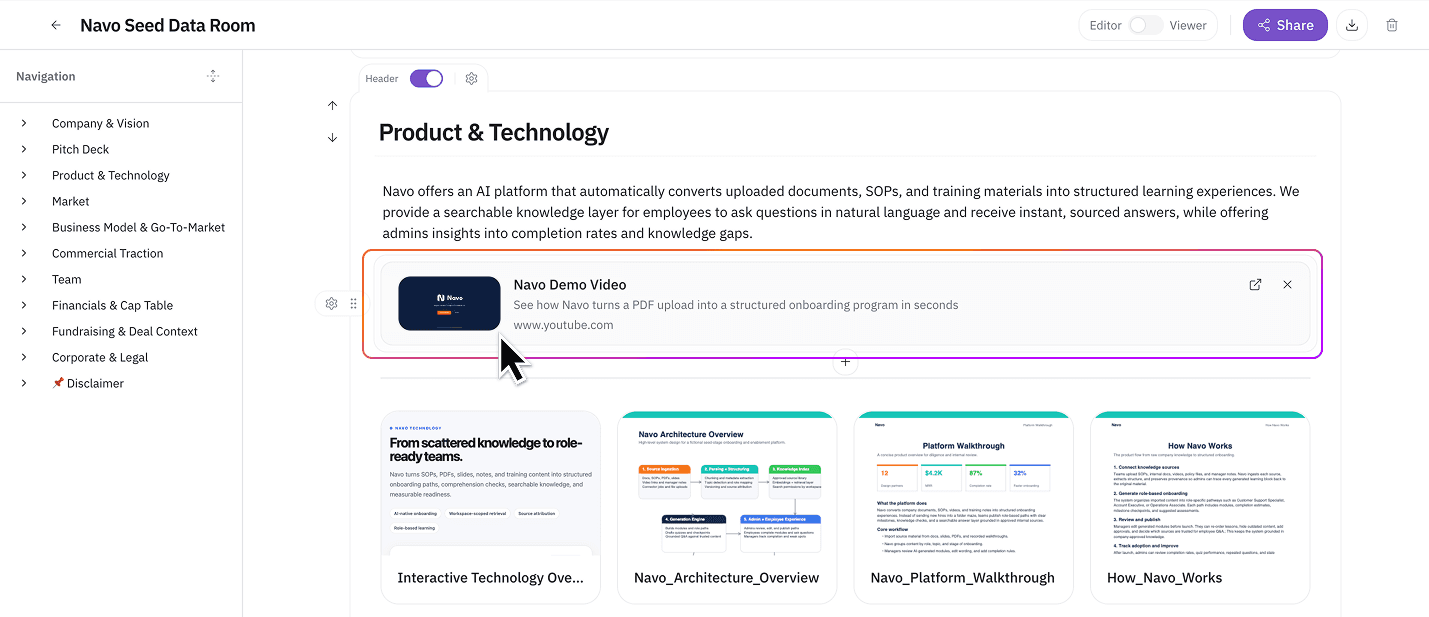
Sometimes the thing you want to reference lives somewhere else and should stay there. A live product page. A public press mention. A shared roadmap. A regulatory filing. A scheduling link to book the next call.
External link embeds handle this. The reader gets a clear pointer to the external resource without you copying stale content into the room. The tradeoff is control. Anything behind an external link lives outside your room's permissions and analytics, so keep genuinely sensitive material like financials or the cap table as a file or an artifact inside the room, and reserve links for things that are meant to be public or that you are comfortable living outside the walls. Used well, links keep your room lean and current instead of bloated with copies that go out of date.
Building an embed-first fundraising or LP room
Here is how to put the three types together into a room that carries the raise for you. The goal is a room a partner can forward to the rest of the firm without adding a single word of explanation. This is the same discipline behind a well-built fundraising data room, taken one step further so the room does not just hold your materials, it presents them.
Open with a short video, not a wall of files. The first thing the investor sees should be you setting up the thesis in ninety seconds. This anchors the story before they touch a document. For an LP raise, that intro is often the closest thing to a first meeting you get.
Put the interactive artifact where the decision happens. If the crux is your growth model or your fund's return math, embed the HTML model there so the investor answers their own biggest question by playing with it. A partner who has run your numbers with their own assumptions is already halfway to conviction.
Keep sensitive material as gated files and artifacts, and push only public references to external links. This keeps your analytics and permissions meaningful. You want to know who watched the demo and who opened the financials, and you cannot see that for a link that leaves your room.
Let the AI Agent build and check the first version. You can describe the raise and attach your materials, and the Pageform AI Agent generates a structured first-pass room you keep refining in the same chat. Before you share, run a room audit so the agent flags gaps, like a section that has files but no framing video or caption, or a missing exhibit an investor will expect. During the raise, the agent can answer a reader's questions about what the room contains, and you can read engagement to see which embed actually got watched or used. That is the AI-native part: the room is built, audited, and monitored from one place, not a static folder with a chatbot bolted on the side. Pageform is an AI-native data room designed for fundraising, sales, and partnership deals.
Watch the engagement and follow up on it. If a partner replays your demo three times but never opens the financials, that tells you where the interest and the hesitation both are. Reading what investors do inside your room is more honest than reading their replies, because attention shows intent that a polite email hides.
A quick checklist before you share an embed-heavy room
Every video has one sentence of context above it, so the investor knows what to watch and why.
Each HTML artifact is a single self-contained file and renders cleanly in the section.
Interactive artifacts sit where the investor's biggest question lives, not buried at the bottom.
Sensitive content like financials and the cap table stays as gated files or artifacts, not behind external links.
External links point only to things meant to be public or live elsewhere on purpose.
You have run an AI room audit to catch sections with content but no framing, and exhibits an investor will expect.
If those six are true, your room explains itself, and a partner can forward it without a cover note.
FAQ
What can I embed in a Pageform data room? You can embed videos, html files, external links, images, folders and files. Video that plays inside the room through the native player, HTML files that render as interactive artifacts in a section, and external links that point readers to resources hosted elsewhere. Each one lets a section show or explain content instead of just listing a file.
How do HTML embeds work in Pageform? You upload an HTML file and Pageform renders it as an artifact inside the room, so an investor can interact with it in place. Build it as a single self-contained page so it displays cleanly. Common uses are growth or returns models, interactive metrics one-pagers, and small dashboards.
Do embedded videos play inside the room or open a new tab? Inside the room. Pageform has a native video player, so the investor stays in your room while they watch. That keeps the narrative intact and lets you see engagement on the video instead of losing the reader to another tab.
Are external link embeds as secure as files in the room? No, and that is the point to understand. Anything behind an external link lives outside your room's permissions and analytics. Keep sensitive material like financials and the cap table as gated files or artifacts inside the room, and use links only for content that is meant to be public or that lives elsewhere on purpose.
Can I see which embeds investors actually engage with? Yes for content that lives inside the room. Pageform's engagement analytics show what viewers open, watch, and revisit by section, so you can tell a played demo from a skipped one and time your follow-up. External links leave the room, so activity beyond the click is not tracked.
Which embed type should I start with for a raise? Start with a short framing video at the top and one interactive HTML artifact where the investment decision lives, usually your growth model or fund return math. Those two do the most work. Add external links only for public references you want the investor to reach without cluttering the room.
Build a raise that shows, not just stores
If your round or your LP raise still goes out as a folder of files, embeds are the fastest upgrade you can make. Add a framing video, an interactive model, and a few clean links, and let the investor engage instead of download. Start your room at Pageform, see how the AI Agent builds and audits a fundraising room, and check the plans and pricing to find the tier with the AI Agent and room analytics you need.